


ALL >> Computers >> View Article
Make Unique And Secure Passwords With A Random Password Generator



We use passwords for lots of different services, but most people use the same password for everything. This is extremely bad for security since, if someone finds out your password, they will be able to access every other password-protected service that you use. One thing that can help you to come up with multiple passwords and secure ones too is BinaryMark Password Generator, a powerful random password generator which comes with a professional set of features, many of which are unique to this program. It allows you to generate unique and secure passwords, numbers, key codes, serial numbers, user names or any other short pieces of randomized text. The advanced set of features make this software ideal for both professionals and home users.
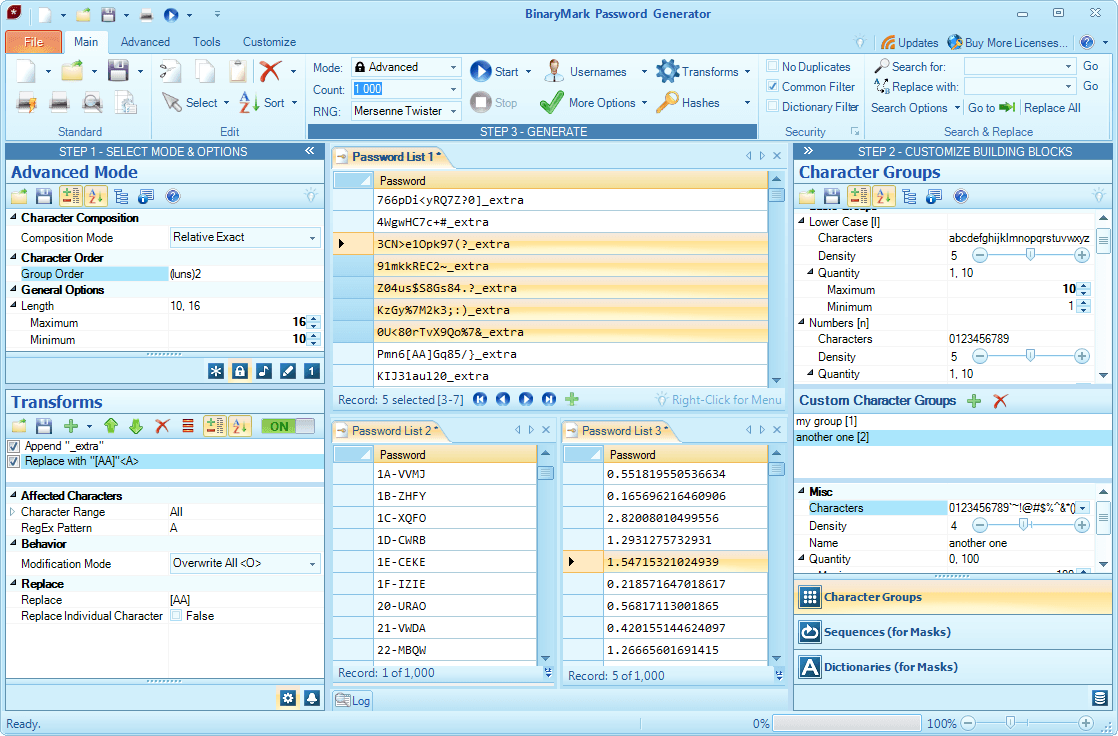
With this random password generator, you can generate millions of passwords of varying levels of complexity in a matter of seconds. You have full control over which characters and character ...
... types appear in the passwords and how often they appear. You can also create your own character groups for you to generate your passwords from and much more. To further customize the rules which govern the password generation process, you can change a number of other policies. This includes allowing or disallowing alphabetical or numerical order, consecutive keyboard character, repeated or duplicated characters. You can also specify the minimum and maximum lengths of generated passwords or how many times you want a particular character or group of characters to appear. There is even a feature for creating passwords with sequential elements.
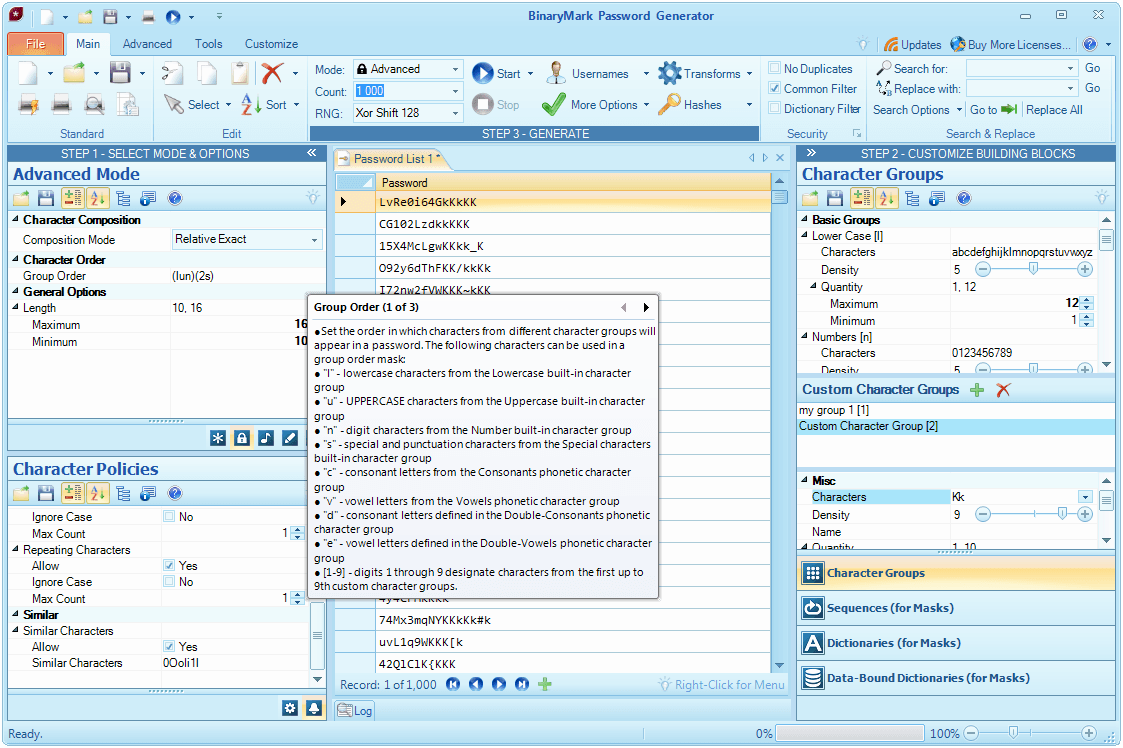
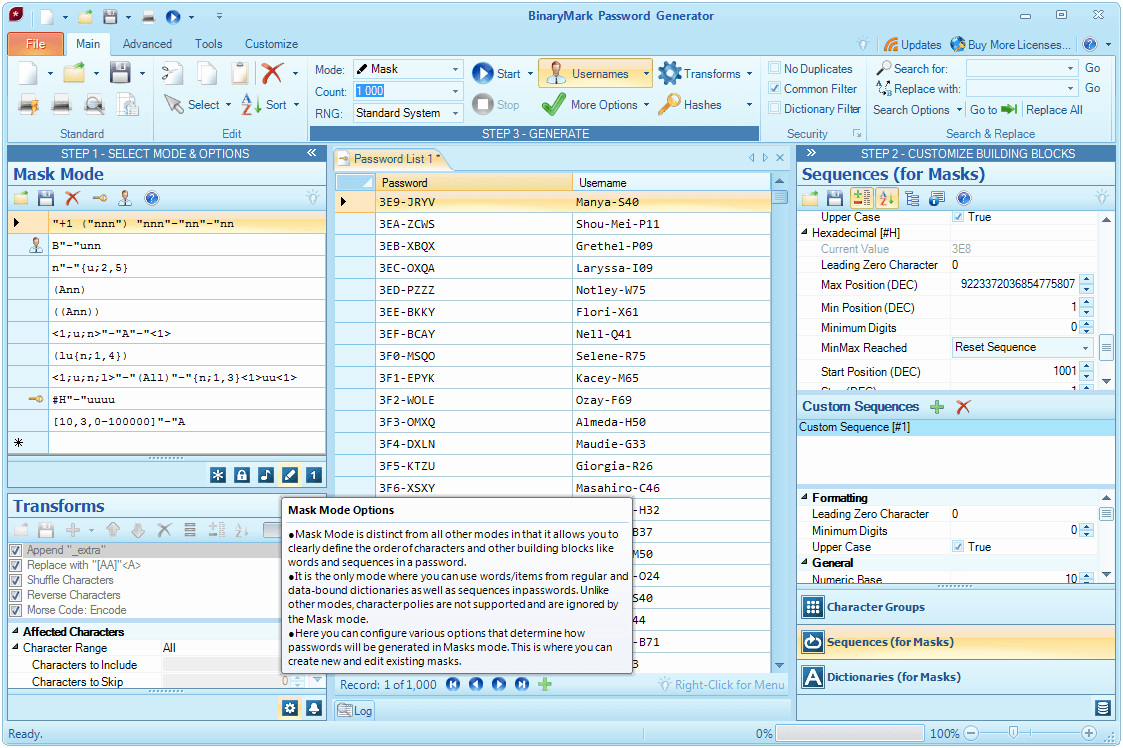
Some characters can be ambiguous and this can cause problems when it comes to generating passwords. Because of this, BinaryMark Password Generator allows you to exclude ambiguous characters such as 1, l and I. However, if you want to create an extremely strong and unbreakable password, you can tell the program to include a variety of special characters. Sometimes, these passwords can be difficult to remember, however. If you want a more user-friendly password, this random password generator may also be configured to create pronounceable yet strong passwords. Other features include the ability to export or integrate password lists into programs, change letter case in words, email new or changed passwords and usernames safely with a built in wizard and more!
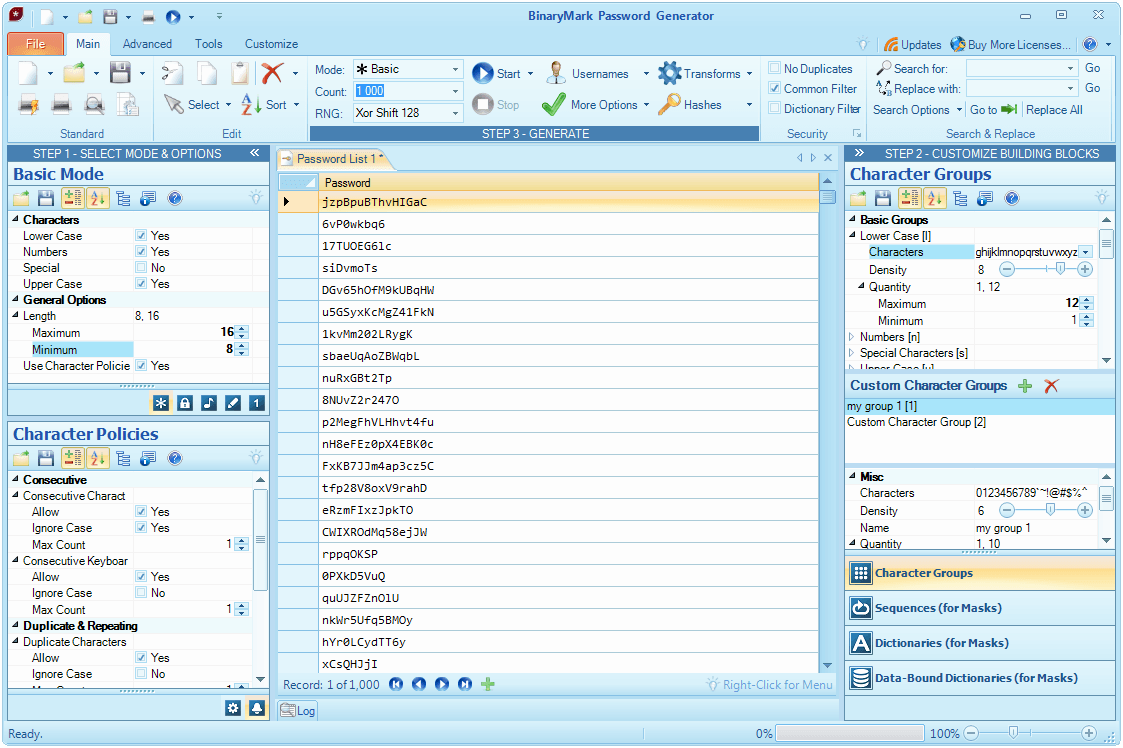
What mostly makes BinaryMark Password Generator unique is that it provides a whole set of password customization possibilities, ultimately allowing you to create word lists of just about any specification. It couldn't be easier to set the rules as well. The random password generator is particularly user-friendly and no steep learning curves are involved. You will find the controls easy to use straight out of the box, regardless of your level of experience with such programs.
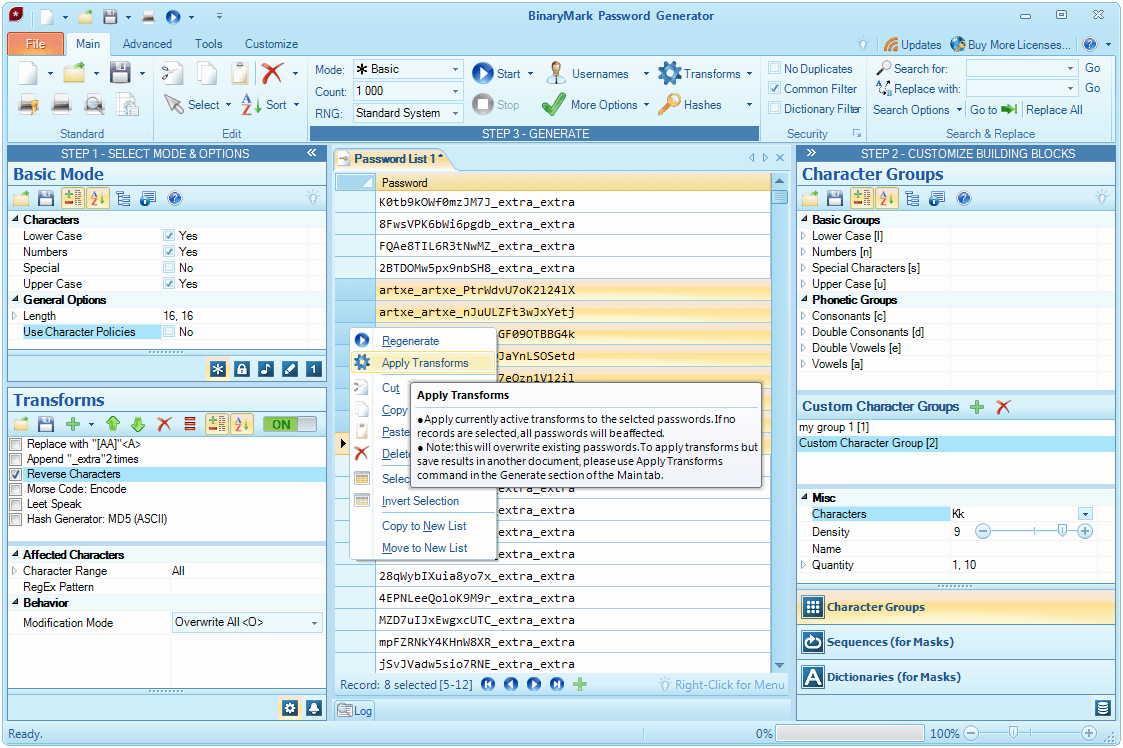
BinaryMark Password Generator is the ultimate tool in the game. It is ideal for system administrators, security technicians, software developers, power users, statisticians and more. It is a professional quality tool which can save you a good deal of time. Learn more or try the trial version at http://www.binarymark.com/Products/PasswordGenerator/default.aspx.
Video overview of the product is available at YouTube: http://www.youtube.com/watch?v=ZtpMPT8bfcQ
Add Comment
Computers Articles
1. Digital Marketing Analytics Platforms: Key Trends, Benefits, And Future Market OutlookAuthor: Umangp
2. Ai Governance Market: Trends Driving Responsible Ai Adoption
Author: Umangp
3. Spark Matrix™: Access Management
Author: Umangp
4. The Future Of Digital Content In India: Why Photo Sharing And Cloud Storage Are Converging
Author: vijaylaxmi soni
5. Looking For German Industrial Chemicals Suppliers? Choose The Right Partner With Roteschemie
Author: Roteschemie
6. Ai Augmented Software Development: Ai-driven Coding, Automated Testing, Risk Prediction, Team Collaboration, Productivity, And Market Outlook
Author: Umangp
7. Kiosk Systems In Hyderabad For Modern Businesses
Author: pbs
8. Content Clipping: The Video Repurposing Fix
Author: Jennifer White
9. Direct Thermal Barcode Printer Hyderabad
Author: prime pos
10. Choosing The Right Library Management Software To Streamline Your Library Operations
Author: Yoo Library
11. Drug Monitoring And Incubator Monitoring Support Reliable Conditions For Research Healthcare And Laboratory Environments
Author: Chris Miller
12. Desktop Rental Solutions For Events, Exhibitions, And Conferences
Author: Rashi
13. Point Of Sale Machine For Shops: How To Choose The Right One
Author: pbs
14. Master Data Management Vendors 2026: Spark Matrix™ Analysis By Qks Group
Author: Umangp
15. Ecommerce Web Development: Building An Online Store That Drives Sales And Growth
Author: scopycode