


ALL >> General >> View Article
Microsoft Launches First Kid-friendly ‘edge Kids Mode’ Browser



Seeing the popularity of Microsoft Edge among users, it has now launched Edge Kids Mode browser. The first-ever browser for kids to provide an online safe place for kids. On the same device, kids can also browse their credentials that are used by adults also.The Edge Kids Mode is available for Windows and MacOS users only. The new feature doesn’t support the Linux operating system. In this feature, parents can turn on the kids’ mode feature easily for kids, and it works the same as the earlier browser did.Kids Mode will turn the browser into a safe and secure environment for children under 12. Under the Kids Mode browser, you will find some fantastic characters. This feature is totally protected from harmful and disturbing content on the web, and parents have the option to choose between the two age groups, five to eight and nine to twelve. Microsoft Edge will implement restrictions when browsing.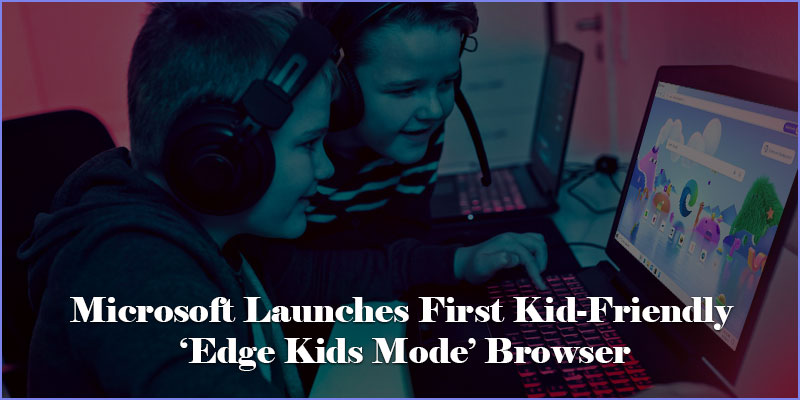 Enable Edge’s Kids Mode on ...
... your PCOpen Microsoft Edge on your system.Tap on the Profile icon that appears at the top-left of your search bar.Choose the Kids Mode option.While changing the mode, you don’t need to sign in to your profile.After switching to the Kids Mode, choose the appropriate age between 5 to 8 and 9 to 12.Start browsing in Kids Mode.For Exit, again click on the top-left corner of your search bar (purple color).Choose Exit Kids Mode.For younger users, Microsoft Edge will first disable Windows Shortcuts to save kids from leaving the protected mode or attempting to avoid the safeguards. The protections include stopping any unwanted content showing in searches, imposing Edge’s strongest tracker protections. Later on, parents can simply add these on their browser.We all know Microsoft Edge is a web browser where users can search their content according to their needs. But, in Kids Mode, sites not related to kids’ interests automatically get blocked. If your kid is browsing a website and the parents don’t mind, this will be greeted as a friendly block page.You can also adjust the themes in Edge’s Kids Mode to help individualize their browsing experience. The Edge’s kids theme is made in collaboration with Disney, and it includes The Little Mermaid, Toy Story, Coco, Frozen, and Finding Nemo. These themes are specially made to help kids’ interests and increase the level of capacity to gain new knowledge when browsing.ConclusionEdge’s Kids Mode is a very great feature launched by Microsoft to give small children access to browse their material according to the syllabus. Under Edge’s Kids Mode, parents don’t need to sit with their child every time when kids are browsing. This feature helps remove all dangerous and harmful content on the web.Source: https://thedailyonlineblogs.com/microsoft-launches-first-kid-friendly-edge-kids-mode-browser
Add Comment
General Articles
1. How Does Quick Lime Differ From Other Lime Products?Author: Shivi Minerals
2. Planning Creative Work In A Bright Artist Studio
Author: Urban Yard Studioa
3. Why Choose A Specialized Throat Hospital In Jaipur?
Author: Uttam
4. Matsya Avatar : Exploring The Fish Avatar Of Lord Vishnu
Author: deepak
5. Rechargeable Hearing Aids: Features, Benefits & How To Choose
Author: Zenaud
6. Us Cruise Itinerary Data Api And Datasets
Author: Travel scrape
7. Adi Shankara : Exploring The Philosopher-saint Of Advaita Vedanta
Author: deepak
8. Pen-200: Penetration Testing With Kali Linux
Author: Oscptraining Seo
9. What Makes An Award-winning Organic Baby Mattress?
Author: Milari Organics
10. Motherboard Supplier – A Complete Guide For Businesses And Bulk Buyers
Author: Nitin Bhandari
11. What To Look For In A Reliable Cargo Vehicle
Author: Amay Guru
12. Inside A Multi Flow Condenser: Understanding The Engineering Behind Compact Cooling
Author: Nbrcoolingsystem
13. When Is The Best Time For Wasp Nest Removal Bristol? A Guide For Homeowners
Author: sophiataylor
14. Girona Airport Private Transfer – Easy & Comfortable Airport Taxi
Author: jhenifer deniel
15. Certified International Auditor: Exam, Eligibility, And Career Value
Author: Passyourcert